

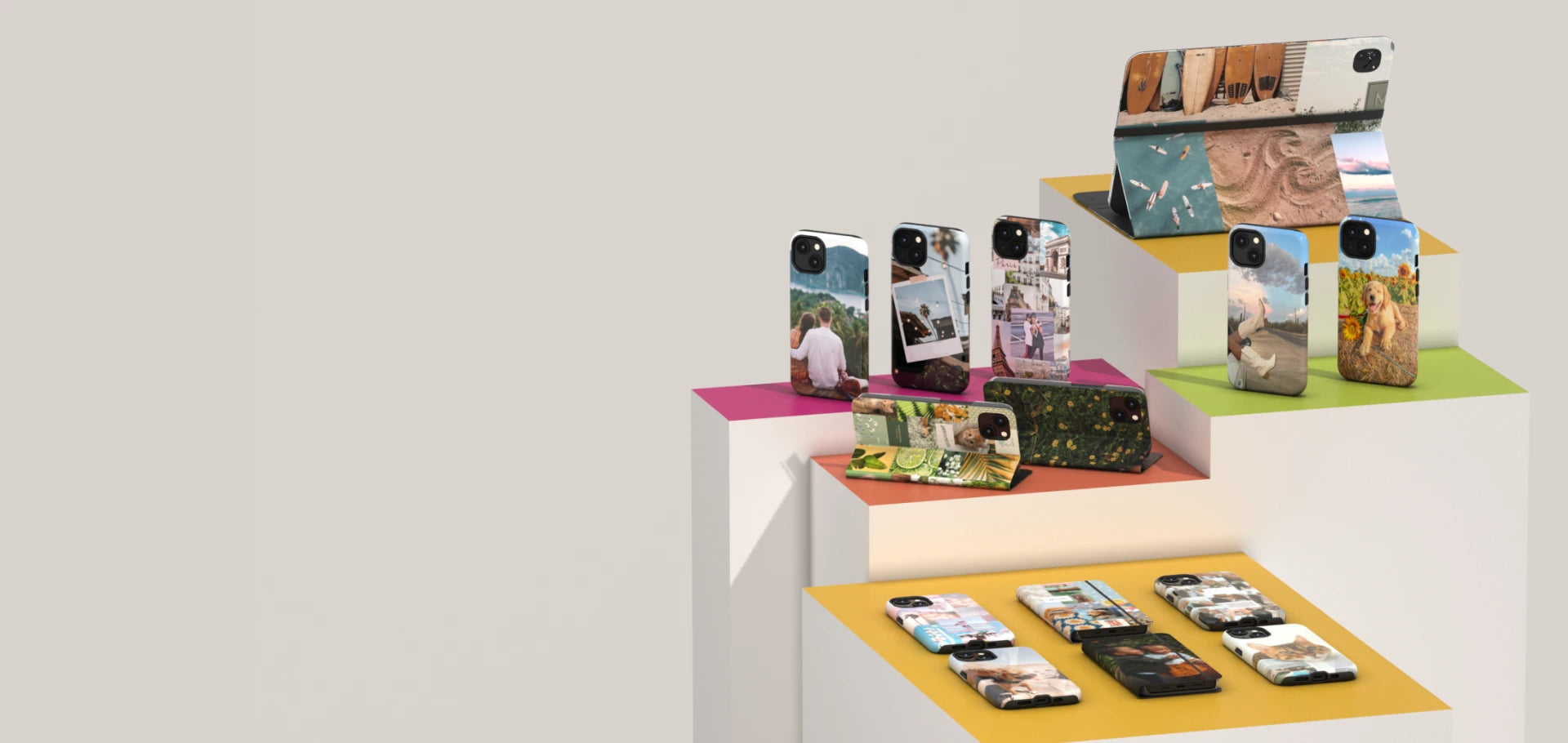


Build your perfect bundle


No products found.
How do bundles work?
Combine at least 2 products from different categories and save up to 25%. Unlike BUY2GET3, which applies to 3 products from the same category, bundles let you mix your everyday essentials.
-
Impact Phone Cases
Over 1,000 designs available

-
Clear Phone Cases
Over 300 designs available

-
Folio Phone Cases
Over 100 designs available

-
AirPods Cases
Over 200 designs available

-
E-Reader Cases
Over 60 designs available

-
ChargePods
Over 60 designs available

-
iPad Cases
Over 100 designs available

-
MacBook Skins
Over 200 designs available


Our team favorites
Signature bundles curated from our team
 20% OFF
The Couture Edit
Starting at $158.85 $127.08
 15% OFF
Ciao Bella Set
Starting at $90.90 $77.27
 25% OFF
The Explorer
Starting at $203.80 $152.85
 15% OFF
Sports Car Duo
Starting at $125.90 $107.02
 20% OFF
The Sunny Set
Starting at $113.85 $91.08
 20% OFF
Beach Day Edit
Starting at $103.39 $82.72
 25% OFF
The coquette set
Starting at $158.80 $119.10
 15% OFF
I Love Stripes
Starting at $78.90 $67.07


Questions?Answers.
How do Bundles work?
Bundles let you combine at least 2 products from different categories and save up to 25%.
Unlike BUY2GET3, which applies to 3 products of the same type, Bundles are designed to let you mix and match your everyday essentials.
Build your Bundle here:
https://www.kasemedesign.ca/fr/pages/bundle
Please note: offers, promotions, pricing, and conditions may vary between our online store and physical stores. For details about what applies in store, please check directly with our team on site.
How does the BUY2GET3 promotion work?
With our BUY2GET3 promotion, choose 3 designs from the same product type and get the third one free.
For example, if you choose 3 Impact phone cases, you’ll pay for 2 and get the 3rd one free. You can mix and match your favourite designs, as long as all 3 items are the same product type.
You can even combine a custom Impact case with Impact cases from our collection. For example: 1 custom Impact case + 2 Impact cases from our collection = the promotion applies.
To activate the offer, add all 3 items to your cart and enter the code BUY2GET3 in your cart.
Please note: offers, promotions, pricing, and conditions may vary between our online store and physical stores. For details about what applies in store, please check directly with our team on site.
How do Kits work?
Our Kits let you add mobile accessories to your phone case directly from the product page while enjoying bigger savings depending on the kit you choose.
Your phone case can be an Impact case, Clear case, Folio case, or Custom case. Simply choose your favourite style and build the Kit that works for you.
Choose from the following options:
- Duo: phone case + screen protector
- Trio: phone case + screen protector + camera lens protector
- The Ultimate: phone case + screen protector + camera lens protector + Phone Loop
It’s an easy way to complete your phone protection while saving on the accessories you want.